Tổng tiền:

Không có sản phẩm nào trong giỏ hàng của bạn

Google Photos is developed as a very personal space to save your pictures and videos online to access it across any web or mobile app. Earlier it was possible to embed videos from Google Photos as it was able to sync with Google Drive. Google Drive has an option to embed videos.
To be honest with you, there is no way you can embed videos stored on Google Photos as an HTML element on your website or blog, or any other slide. We will look at a few workarounds for embedding videos stored in Google Photos on an HTML or Webpage.
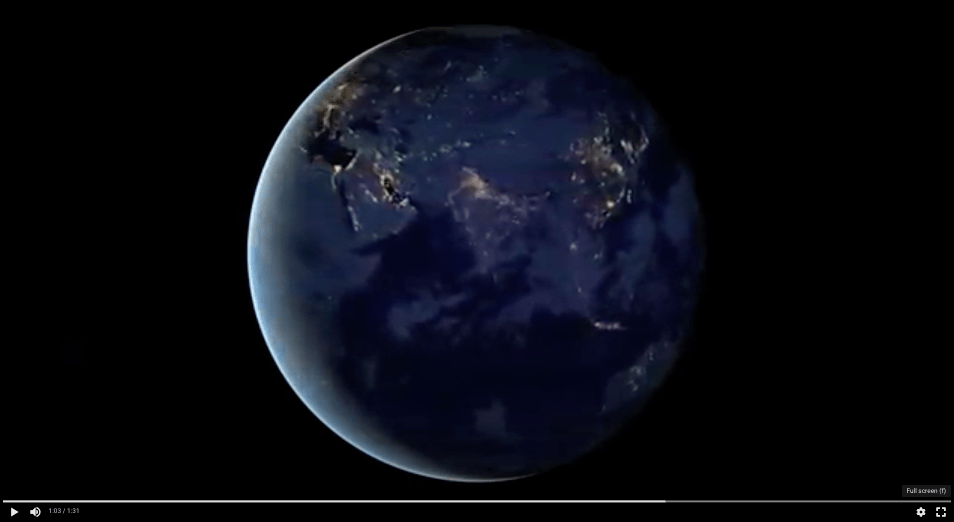
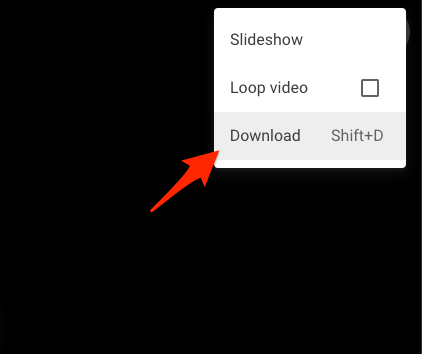
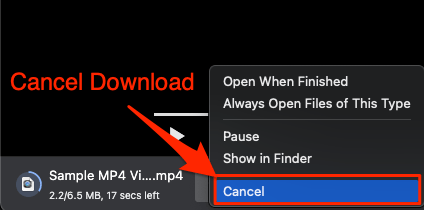
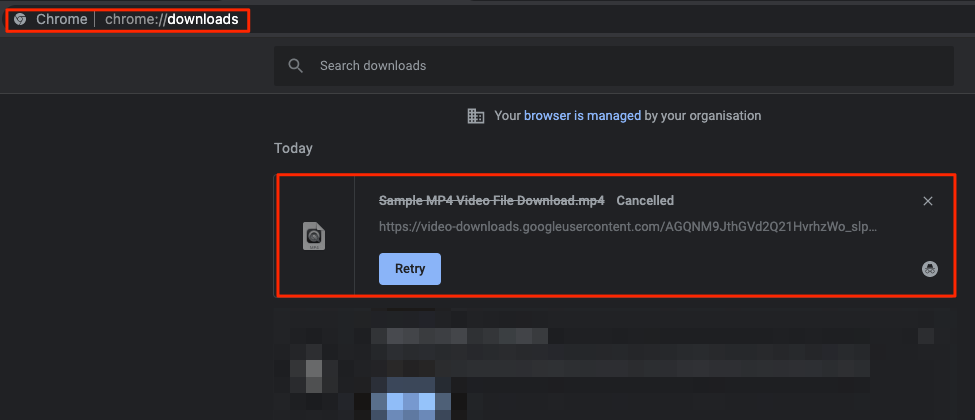
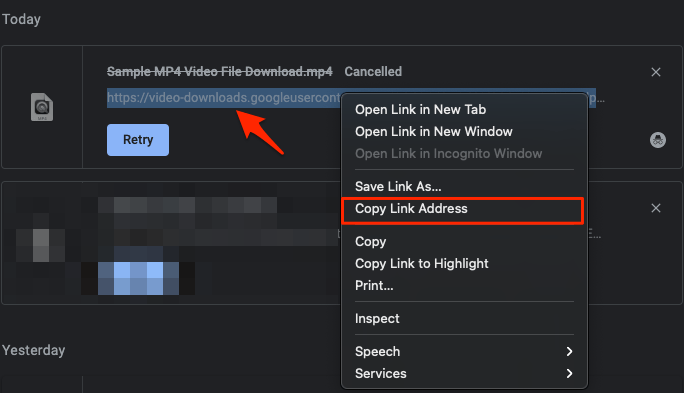
There is a small code that you can directly add to your blog or webpage where you want to embed the Video from Google Phot0s. All you need is the download link and you can then add the download link inside the <div> code. Then paste the newly generated custom code inside the location where you want to embed the video. Let us look at the process in detail;

<div style="width:100%;height:480px;background-color:black;text-align:center;">
   <video style="height:100%;" controls>
      <source src="downloadlink.com" type="video/mp4">
   </video>
</div>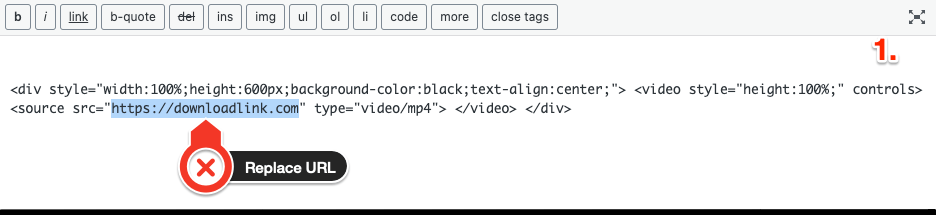
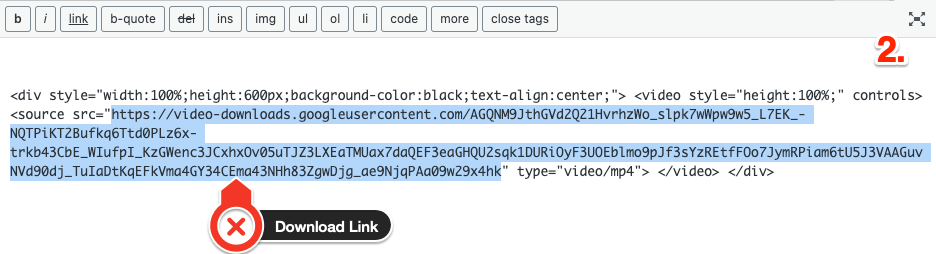
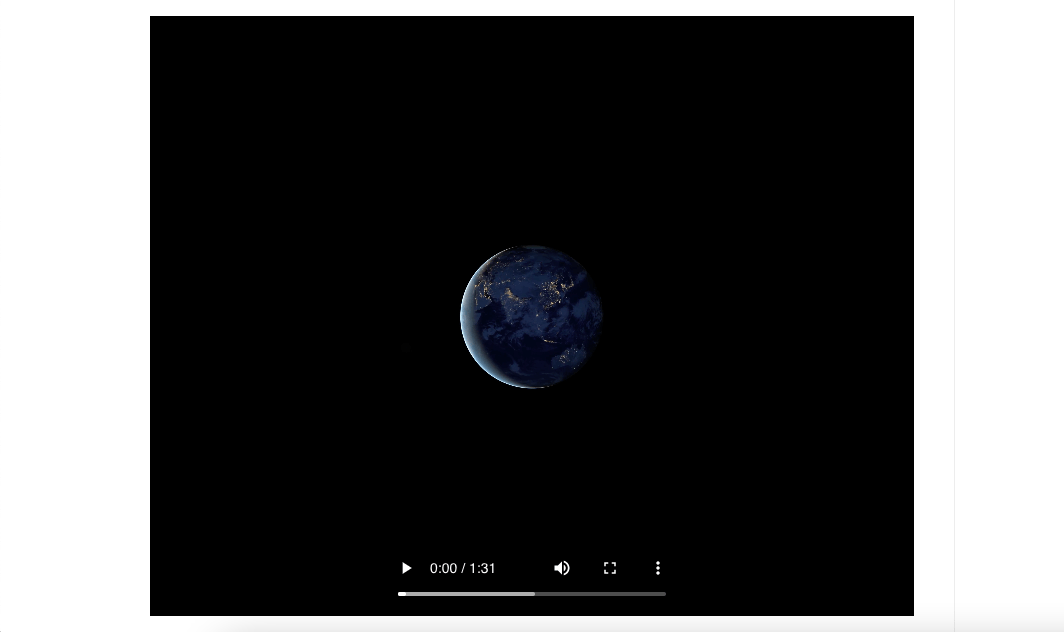
Below is the GIF that shows the code inside HTML Editor and when Run the video is embedded on the page.
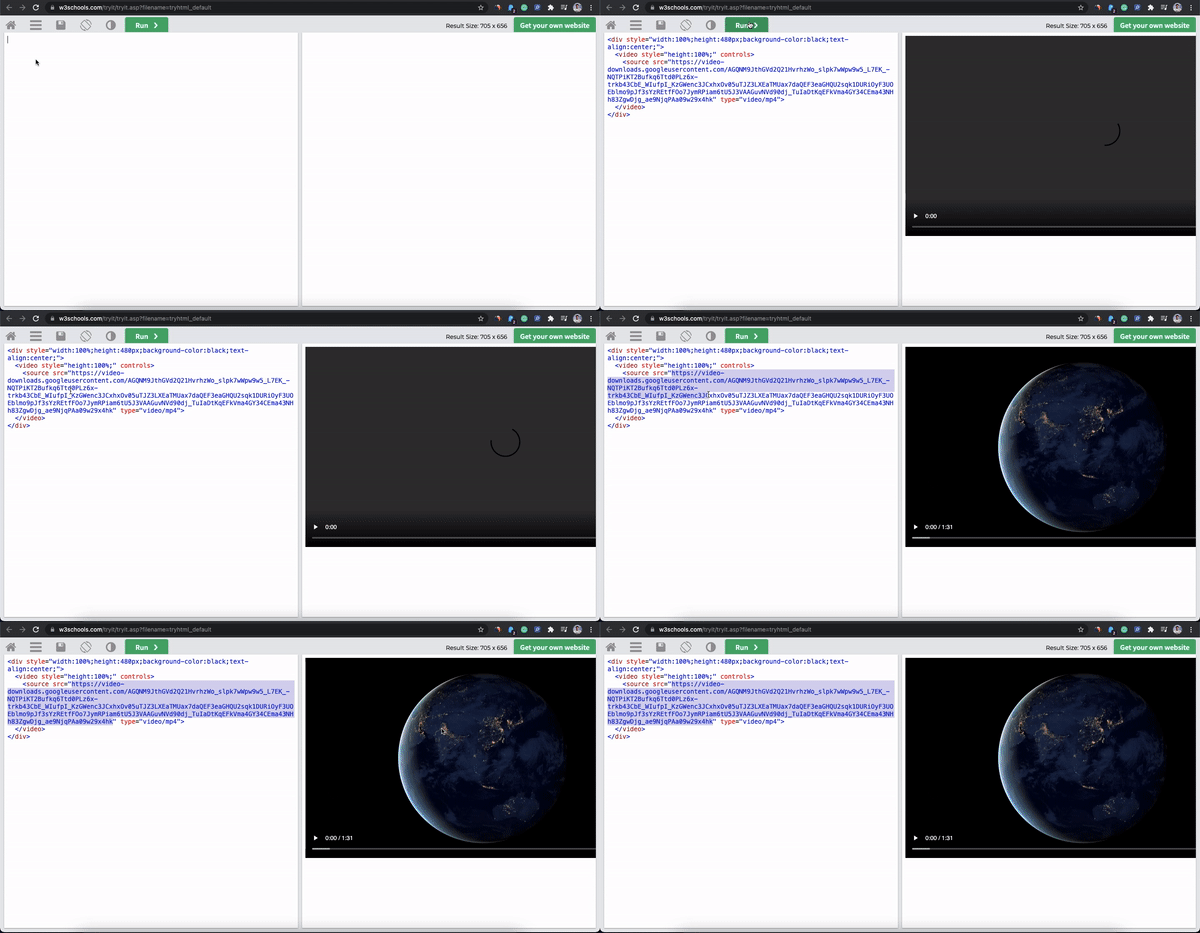
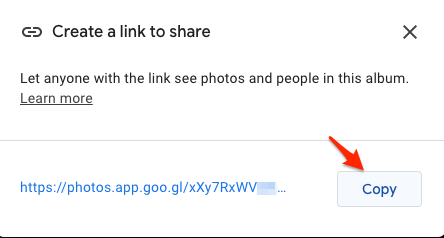
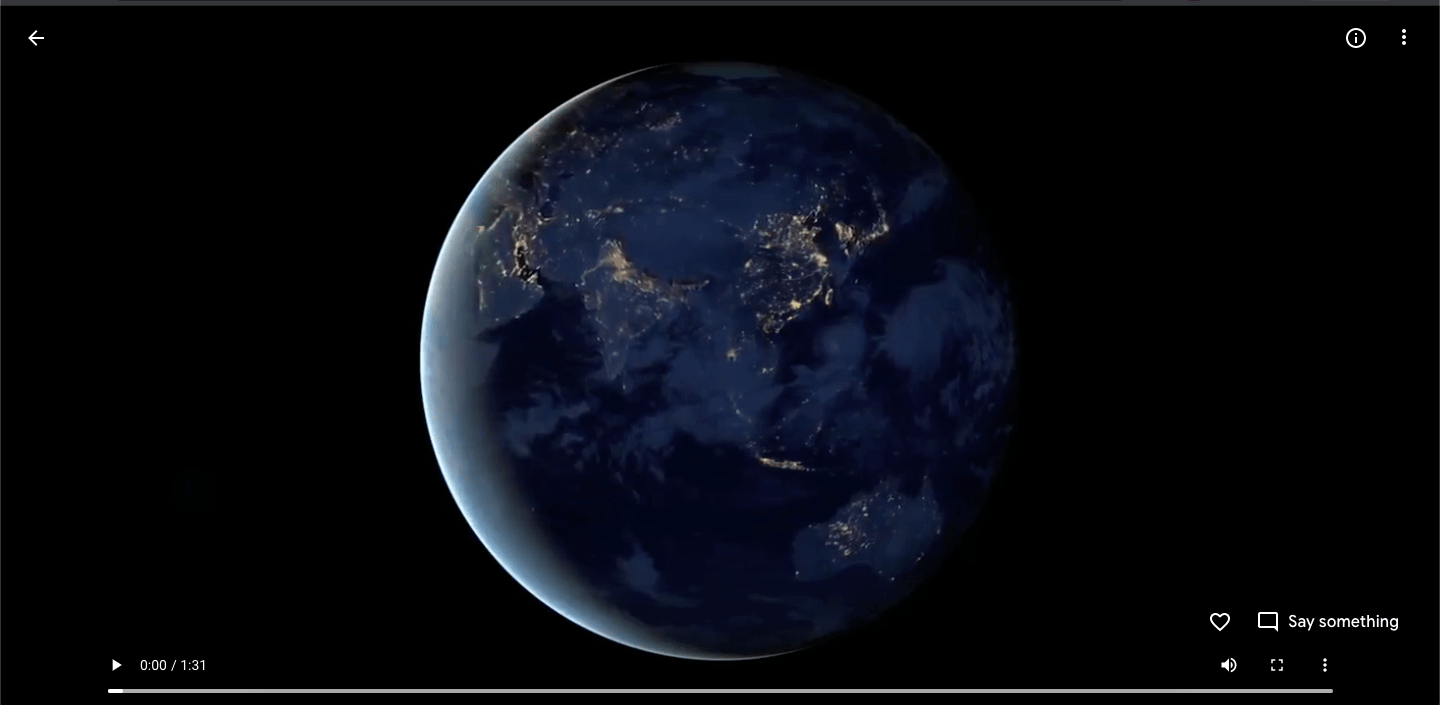
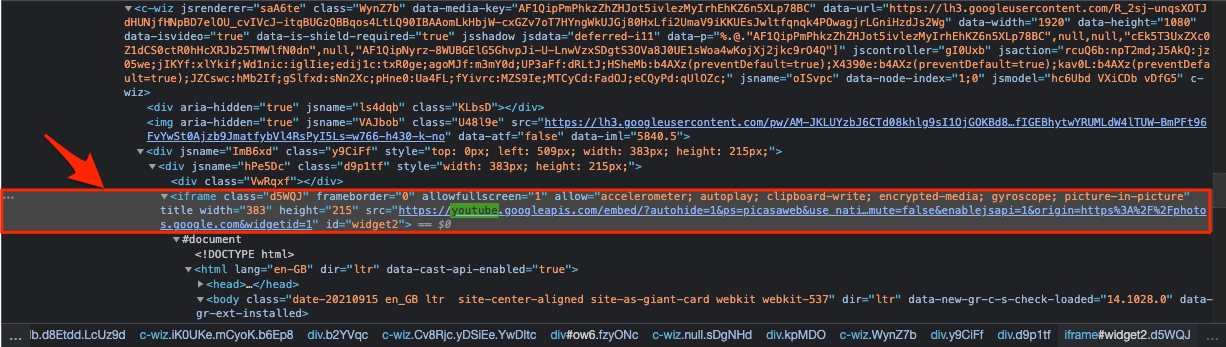
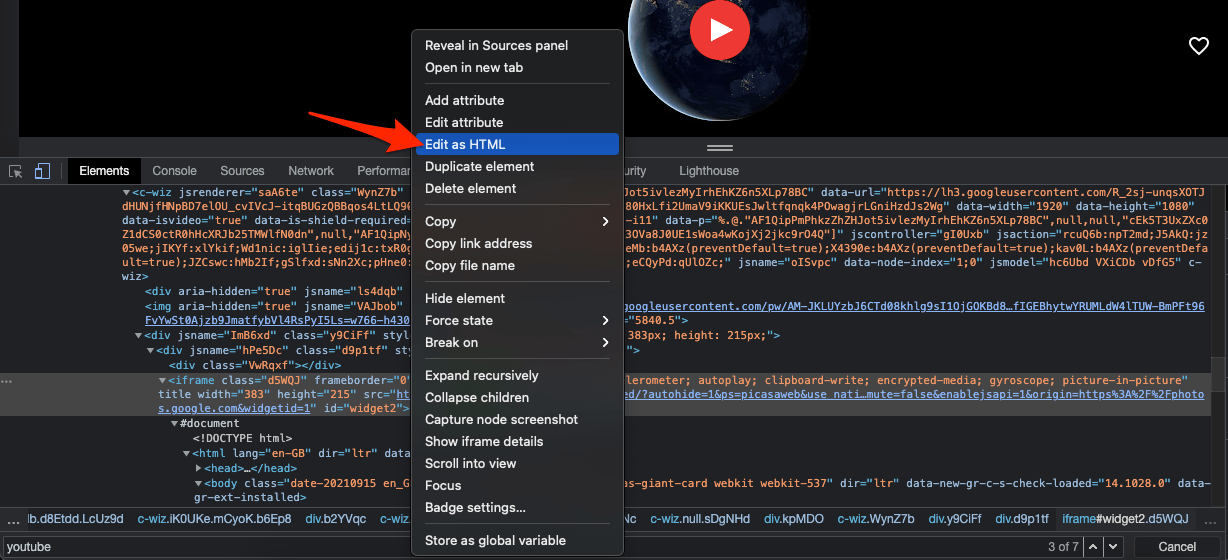
This is a trial method and may work or maybe not. You will need to copy the <div> element from Console and paste it into your HTML blog for embedding. Here is the guide to extracting the div iframe element and pasting it on the Blog or Site.
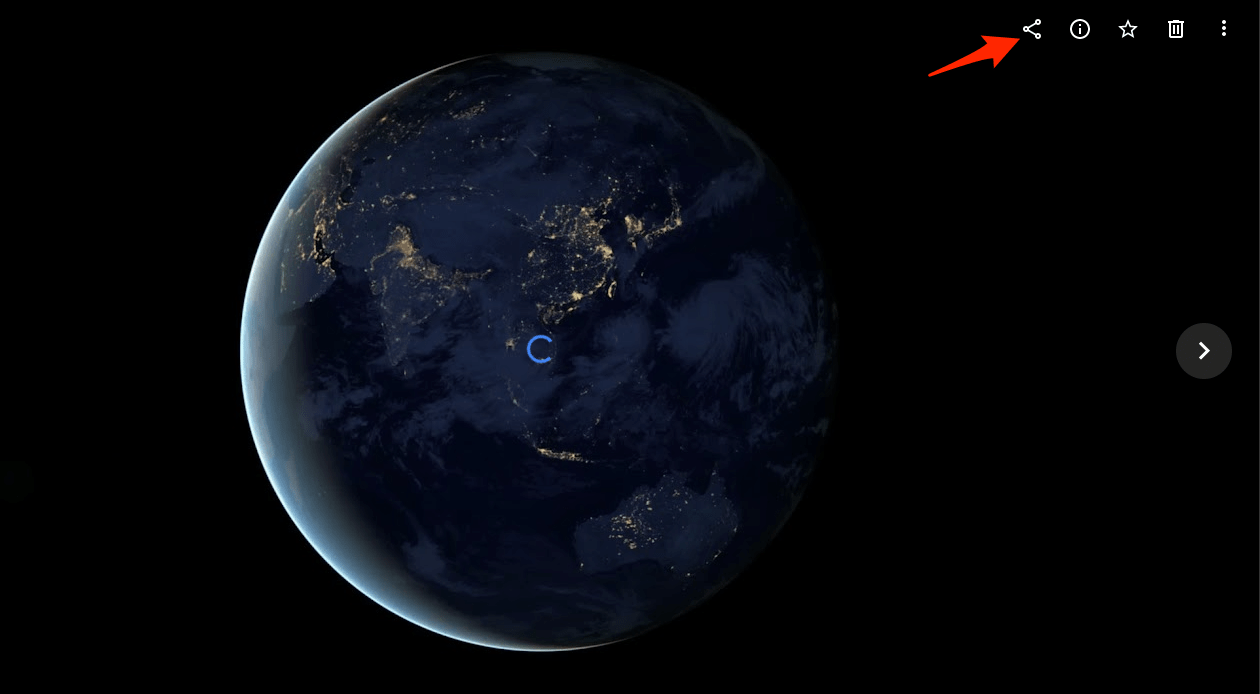
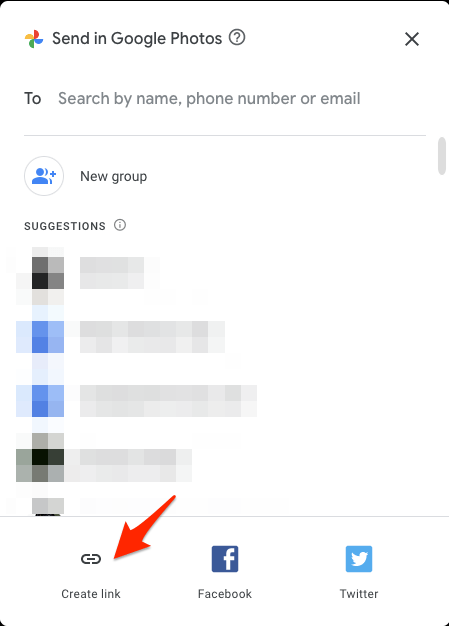
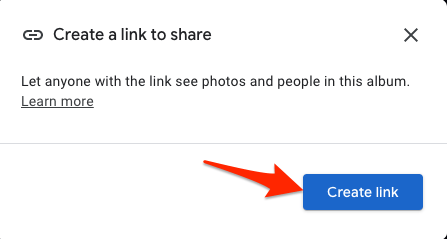
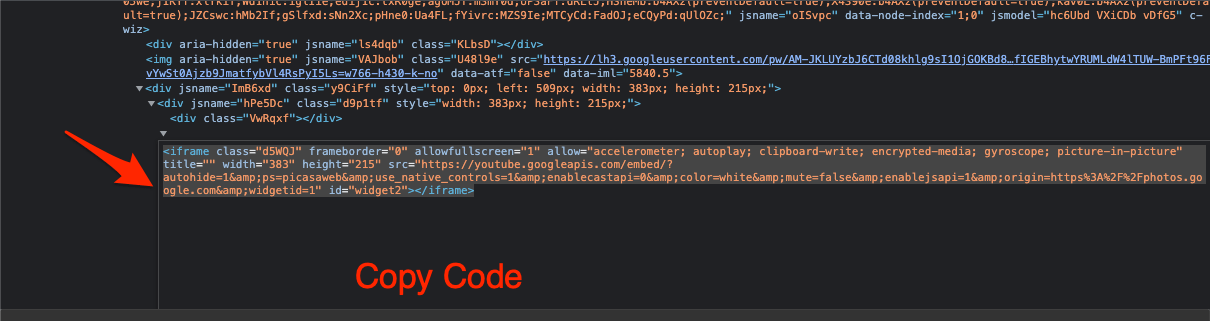
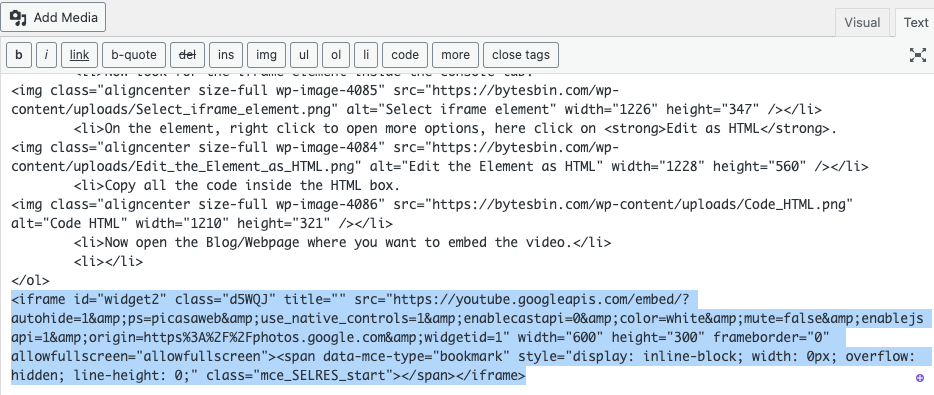
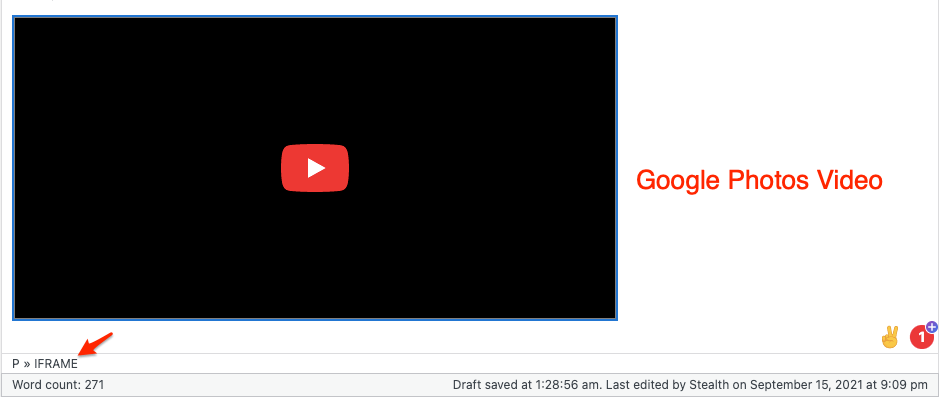
Note: These method is not very reliable as Videos Uploaded to Google photos are split into number of sub video files making it hard to
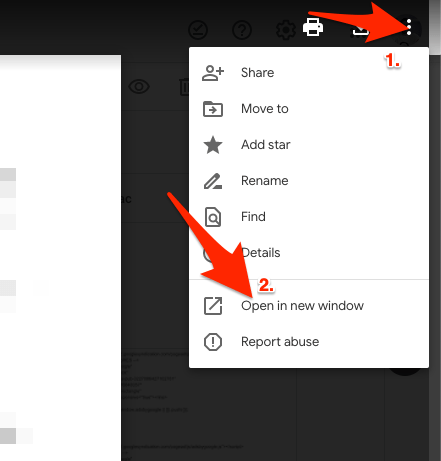
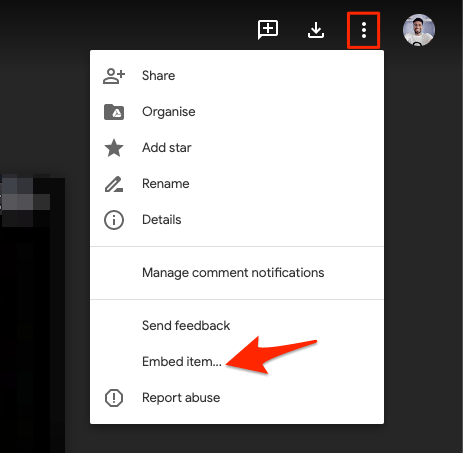
Google Drive offers an option to embed the video on a page. You can use this feature and manually upload the video from Google Photos to Google Drive and then get the embed code from Google Drive.
Yes! You can embed videos from Google Photos using a simple Div tag element that you can add to your HTML site.
Google Photos does not offer embed or iFrame features by default to insert the video in a Blog or Site.
You can move the video from Google Photos to Drive and then embed the video on your site using Drive embed option.
Here are a few methods to Embed Videos Uploaded to Google Photos on a Blog or Web Page, like WordPress, Blogger, Joomla, and more. Being personal storage there is no direct method to embed the Google Photos Video.